



Blog
What to Look for When Setting Up Employee Workstations | Spectrum Chairs

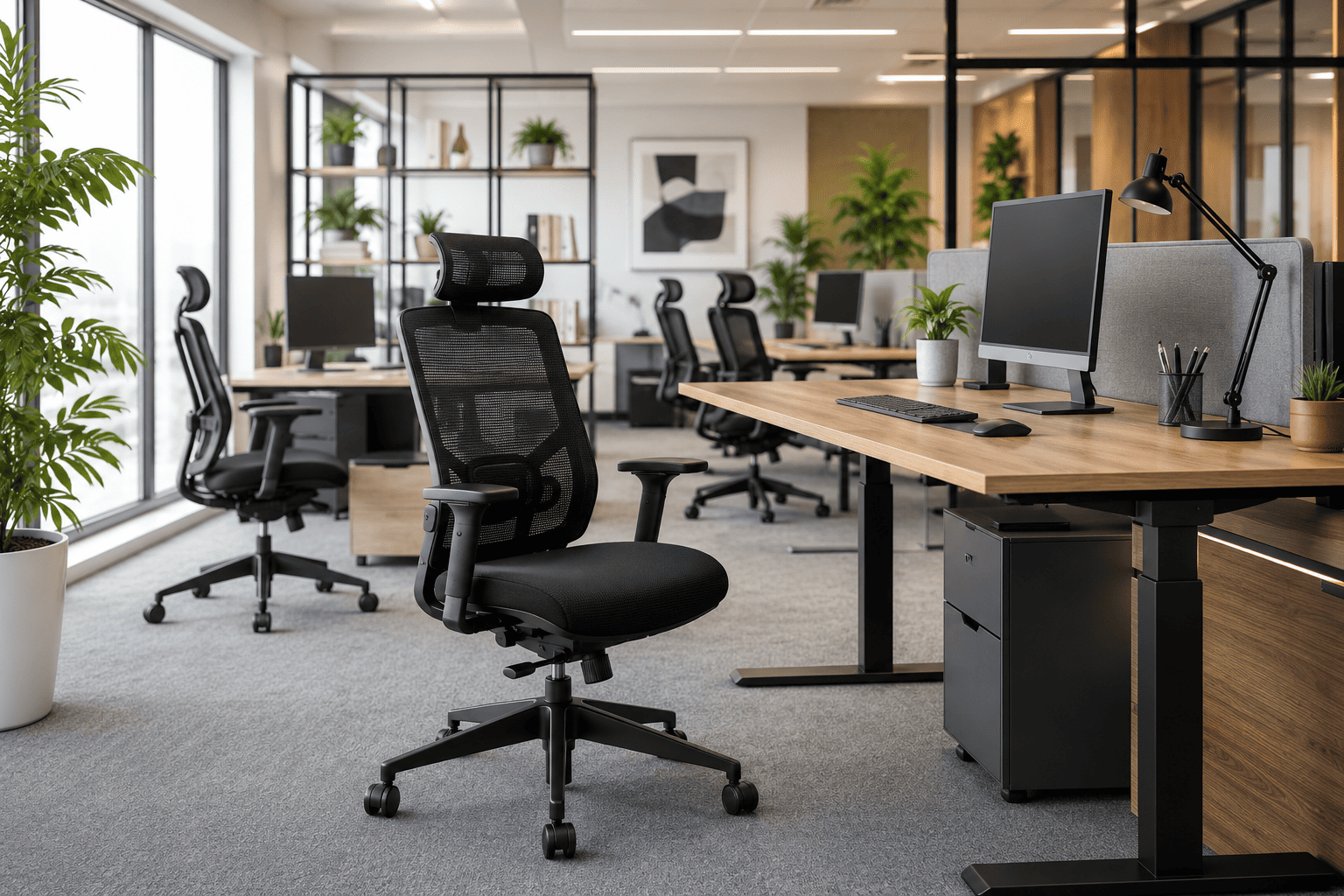
Creating an efficient workplace starts with designing employee workstations that prioritize comfort, health, and productivity. While competitive salaries and workplace culture are important, employees spend most of their day at their desks. A well-designed workstation can improve focus, reduce fatigue, and contribute to overall job satisfaction.
At Spectrum Chairs, we understand that ergonomic office furniture plays a vital role in building a healthier and more productive workplace. Here are the key factors to consider when setting up employee workstations.
1. Provide Adequate Workspace
A spacious workstation allows employees to work comfortably without feeling restricted. Crowded workspaces can reduce productivity, increase stress, and make daily tasks more difficult.
When planning office layouts, ensure there is enough room for:
- Comfortable movement around the desk
- Proper legroom under the workstation
- Storage for personal and work essentials
- Easy collaboration without overcrowding
Open and thoughtfully planned workspaces create a more organized and welcoming office environment.
2. Invest in Ergonomic Office Chairs
One of the most important elements of any workstation is the office chair. Since employees spend long hours sitting, ergonomic seating helps maintain proper posture and minimizes the risk of discomfort.
A quality ergonomic chair should include:
- Adjustable seat height
- Lumbar support
- Breathable mesh backrest
- Adjustable armrests
- Tilt and recline functions
- Comfortable seat cushioning
Spectrum Chairs are designed to support the natural curve of the spine, helping employees stay comfortable and productive throughout the workday.
3. Position the Monitor Correctly
Improper monitor placement can lead to neck pain, eye strain, headaches, and poor posture.
For optimal comfort:
- Position the monitor approximately an arm’s length away.
- Keep the top of the screen at or slightly below eye level.
- Place the monitor directly in front of the user to avoid neck twisting.
- Reduce glare by positioning screens away from direct sunlight.
Proper monitor placement helps employees maintain a natural viewing angle and reduces physical strain.
4. Arrange the Keyboard and Mouse Properly
The placement of input devices has a direct impact on wrist, shoulder, and arm comfort.
Best practices include:
- Keep elbows close to the body.
- Maintain elbows at approximately a 90-degree angle.
- Position the keyboard directly in front of the monitor.
- Place the mouse close to the keyboard to reduce shoulder movement.
- Use wrist rests or ergonomic mouse pads for additional support.
An ergonomic desk setup minimizes repetitive strain injuries and supports comfortable daily use.
5. Choose the Right Office Desk
A functional office desk provides enough surface area for computers, documents, and accessories while maintaining an organized workspace.
Look for desks that offer:
- Durable construction
- Cable management solutions
- Storage drawers
- Spacious work surfaces
- Compatibility with ergonomic seating
Height-adjustable desks are also an excellent investment, allowing employees to alternate between sitting and standing throughout the day.
6. Optimize Lighting and Workspace Environment
Lighting has a significant impact on employee comfort and productivity.
Improve workstation lighting by:
- Maximizing natural daylight
- Using adjustable desk lamps where needed
- Reducing screen glare
- Choosing neutral lighting that minimizes eye fatigue
Adding indoor plants and maintaining good air circulation further enhances employee well-being.
7. Keep Workstations Organized
An organized workspace improves efficiency and reduces distractions.
Simple additions such as:
- Cable organizers
- Storage cabinets
- Monitor risers
- Desk organizers
help employees maintain a clean and productive work environment.
8. Create Flexible Workspaces
Modern offices are evolving to support different work styles.
Flexible workstations may include:
- Collaborative desks
- Private focus areas
- Meeting pods
- Standing workstations
- Breakout zones
Providing employees with a variety of work environments encourages creativity, collaboration, and greater job satisfaction.
Why Choose Spectrum Chairs?
At Spectrum Chairs, we design office furniture that combines ergonomic comfort, durability, and modern aesthetics. Our collection of executive chairs, mesh office chairs, visitor chairs, and workstation seating is built to support employees through long working hours while enhancing the overall appearance of your office.
Whether you’re furnishing a startup, corporate office, coworking space, or home office, Spectrum Chairs offers seating solutions designed for performance and lasting comfort.
Final Thoughts
Setting up employee workstations involves much more than arranging desks and chairs. A thoughtfully designed workspace that includes ergonomic seating, proper monitor positioning, organized layouts, and adequate space helps improve employee well-being, productivity, and workplace satisfaction.
By investing in high-quality ergonomic furniture from Spectrum Chairs, businesses can create workspaces that support healthier employees and stronger business performance.